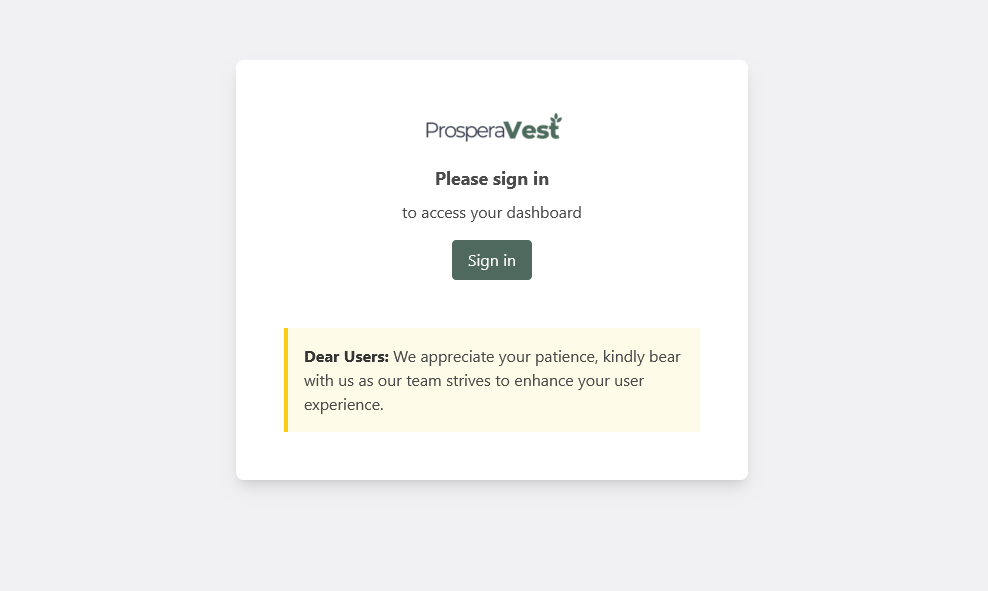
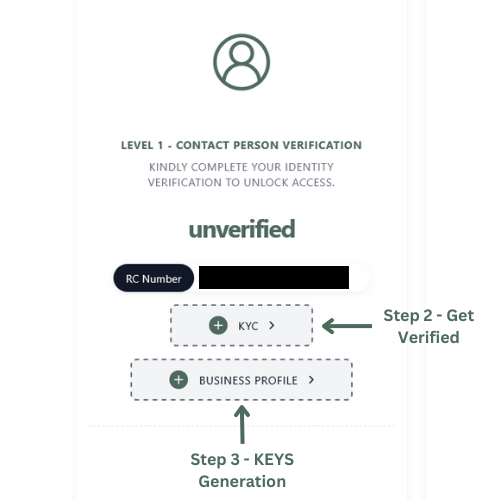
Scroll down and complete your Level 1 Company Representative KYC to get verified.
Please have ready your Government ID (Soft and Hard Copy), Be sure to stay in a secured environment + well-lit area as you'd be asked some sensitive questions and required to perform a liveness check.
3
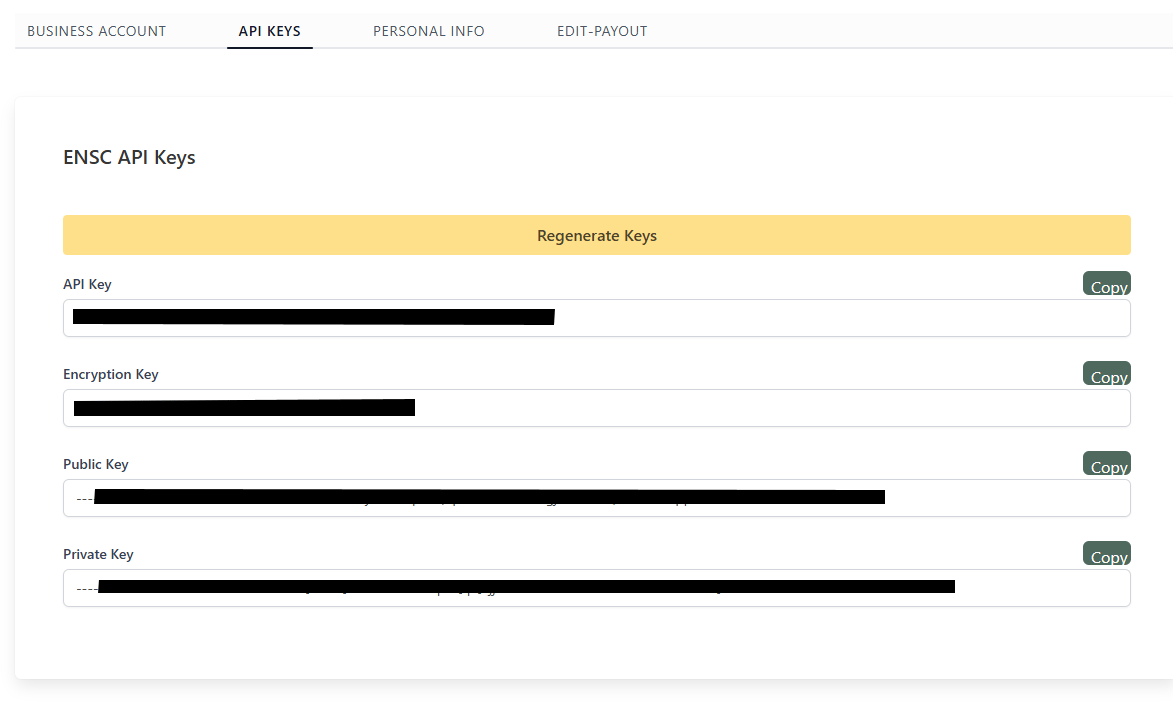
After getting a verified badge, head over to your business profile. From the tabs select API KEYS and click the generate keys button.
Business Profile
4
Your keys are highly confidential, store them in secure locations (recommended - environment variables and offline backups )
You can always regenerate keys from your business profile, It is highly recommended to rotate your keys by regenerating them at intervals.
Make sure to effect the changes where applicable as once regenerated old keys are destroyed immediately rendering them invalid.
⌘I
Assistant
Responses are generated using AI and may contain mistakes.